Screen count tells you almost nothing about what an app will cost. Here is what actually moves the number, and how to build a budget you can defend.
Why it matters
“How much does it cost to develop an app?” It sounds like a straightforward question, but there is no useful answer without understanding what the application needs to do.
A simple content app and a complex financial platform may both be called mobile apps, yet their design, development, infrastructure and testing requirements can be completely different.
A realistic mobile app development cost should therefore be based on scope, complexity and risk rather than a generic headline figure.
How we approach app development budgets
A useful budget starts with the product rather than a price. We first consider:
- Business objectives
- Target users
- Core user journeys
- MVP features
- Platforms
- Technical requirements
- Integrations
- Design requirements
- Testing
- Launch requirements
- Ongoing maintenance
This creates a clearer relationship between the money being spent and the product being built.
There is no single useful price
Two applications can have a similar number of screens and completely different development requirements.
For example, an appointment app might allow users to search, book and pay. Another application may require real-time messaging, location tracking, subscriptions, multiple user roles, complex search and several third-party integrations.
Screen count alone does not tell you what an app will cost.
What actually affects app development cost
Every feature has a level of complexity. A simple form may require straightforward validation. A payment feature may involve authentication, third-party services, error handling, transaction states and security considerations.
The difference can be substantial even when both features appear on a single screen.
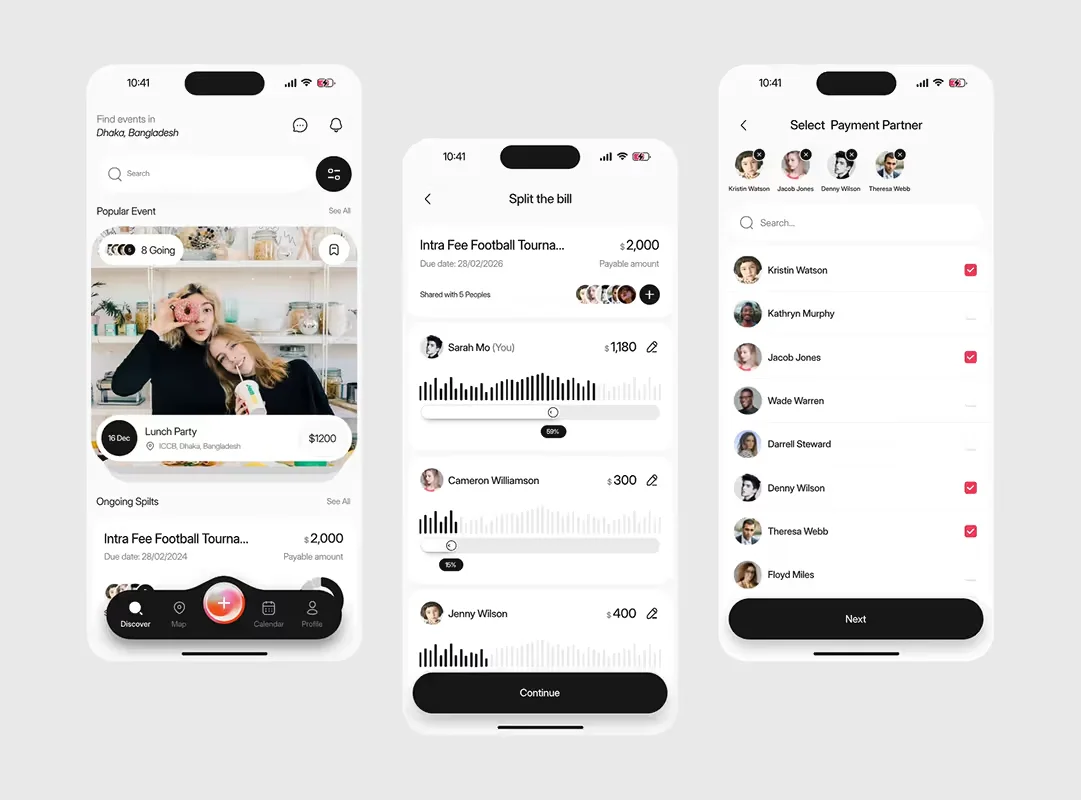
UX and UI design
Design is an important part of the development budget. Professional UI/UX design may include:
- User research
- Information architecture
- User journeys
- Wireframes
- Visual UI design
- Prototyping
- Usability testing
- Design systems
- Accessibility
- Developer specifications
Good design can also reduce development uncertainty by identifying problems before code is written.
Platforms and technology
Building for iOS, Android or both affects the project. Some products are well suited to cross-platform development, while others may benefit from platform-specific approaches.
The right choice depends on the product requirements, performance expectations, existing technology and long-term roadmap.
The cheapest technical option at launch is not necessarily the most economical over several years.
Backend development and integrations
The mobile interface is often only one part of the system. An application may also need:
- APIs
- Databases
- Authentication
- Payment processing
- Notifications
- File storage
- Admin tools
- Analytics
- Business logic
Third-party integrations can add further complexity. Payment providers, maps, CRM platforms, booking systems and other services all need to communicate reliably with the application.
The budget should account for what happens when those external services fail as well as when everything works normally.
Testing and security
Testing is essential to a reliable mobile application. The product needs to work across realistic combinations of devices, operating systems, screen sizes, network conditions and user states.
Teams also need to consider what happens when:
- A connection fails during payment
- A user denies a permission
- An API returns an error
- A form contains invalid information
- A user closes the app midway through a task
Security requirements can also increase project complexity, particularly for applications handling sensitive or regulated information. These considerations should be addressed during product design and development, not added at the last minute.
Ongoing costs
The initial development budget is not the complete cost of running an app. After launch, you may need to budget for:
- Bug fixes
- Operating system updates
- Security updates
- Infrastructure
- Monitoring
- Analytics
- New features
- UX improvements
- Ongoing maintenance
Separating initial development costs from ongoing product costs gives stakeholders a more realistic view of the investment.
How to build a realistic budget
Rather than presenting one unexplained figure, divide the project into areas:
| Area | Covers |
|---|---|
| Discovery | Research and product definition |
| UX/UI design | Journeys, wireframes, interface and testing |
| Development | Mobile app and backend |
| Integrations | External services and APIs |
| QA | Testing and release preparation |
| Launch | Production and deployment |
| Ongoing | Maintenance and future improvements |
Then document the assumptions. Which platforms are included? Which features belong in the MVP? Are integrations required? Is an admin system needed?
A transparent estimate is far more useful than an artificially precise number.
The next step
If you are researching the cost to develop an app, start by defining what the product actually needs to achieve.
Identify the core user journey, separate essential features from future ideas and understand the technical requirements. Then estimate UX design, development, testing and ongoing maintenance separately.
That gives you a budget you can explain, adjust and defend internally, and makes it much easier to identify where scope can be reduced without compromising the product's core purpose.