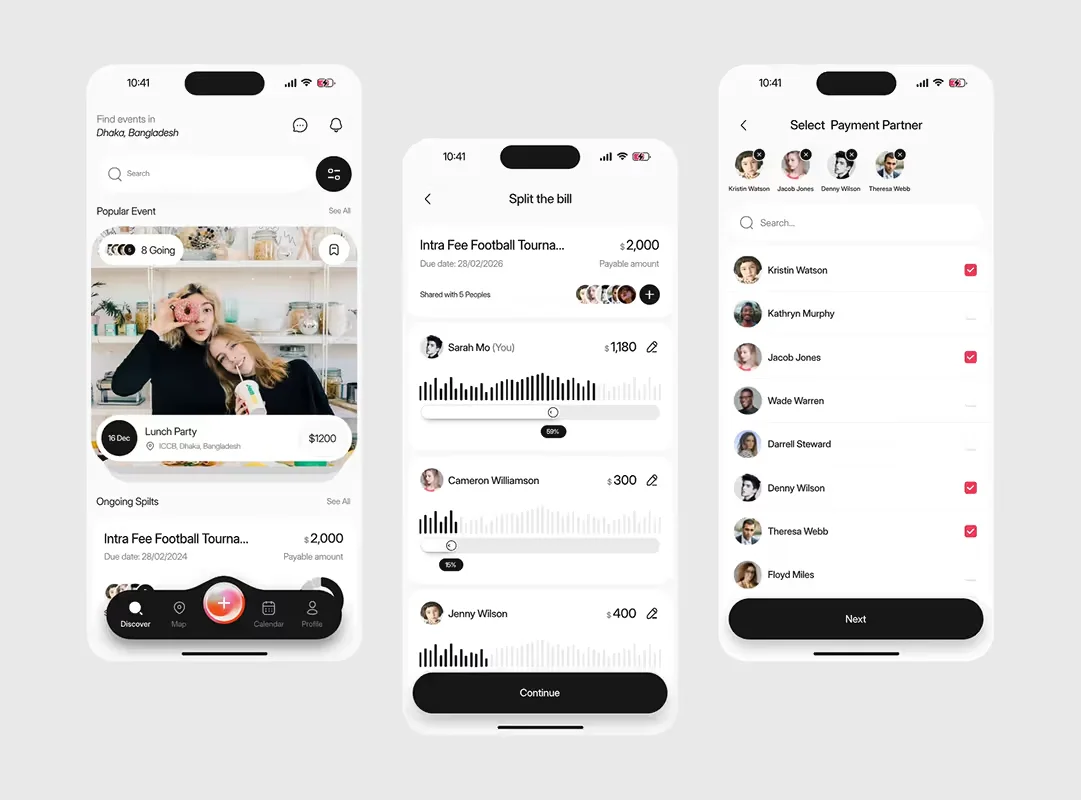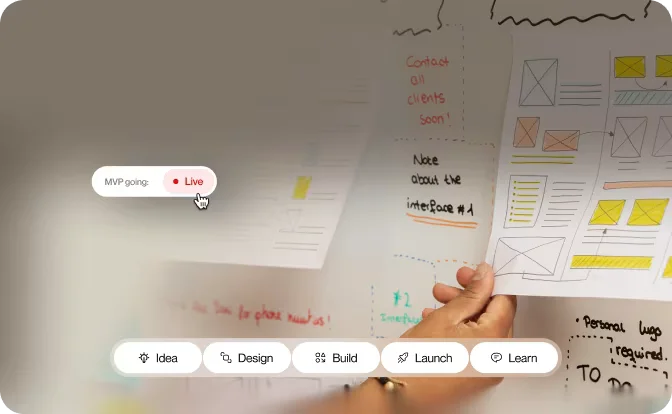
Discovery, research, journeys, wireframes, UI, prototyping, development and launch — the order those decisions belong in, and why.
Why it matters
A successful mobile app is not created by moving directly from an idea to a finished interface.
There are decisions to make about users, features, journeys, technology and business objectives before development begins. A structured UI/UX design process helps teams make those decisions in the right order.
It also reduces the risk of spending time and budget developing features that do not solve a meaningful user problem.
How we approach it
A practical app design process connects three things: what users need, what the business needs, and what technology can deliver.
The process generally moves through: Discovery → Research → User journeys → Wireframes → UI design → Prototyping → Testing → Development → Launch.
It is not a completely linear process. New information can change earlier decisions, and that is part of good product design.
Phase 1: Product discovery
Before opening a design tool, understand the product. Discovery should establish:
- Business objectives
- Target users
- Core problems
- Key features
- Existing technology
- Integrations
- Commercial requirements
- Project constraints
A statement such as “we need a fitness app” is too broad to guide design. A more useful definition might be helping first-time gym users create and follow a simple workout plan.
The clearer the problem, the clearer the design challenge.
Phase 2: User research
Good UX decisions need evidence. Depending on the project, research might include customer interviews, surveys, competitor analysis, analytics, support data or usability testing.
The objective is to understand patterns. What are users trying to accomplish? What frustrates them? What alternatives are they currently using? Which assumptions made by the business may be incorrect?
Research should influence the product, not simply become a document that sits unused after the initial workshop.
Phase 3: User journeys
Once the problem is understood, map the key journeys. For a booking app, a journey might look like: Search → Compare → Select → Enter details → Pay → Confirmation.
Each stage should be examined carefully. What information does the user need? What decision do they need to make? What could go wrong?
This process often exposes unnecessary steps and opportunities to simplify the product before detailed design begins.
Phase 4: Wireframing
Wireframes establish the structure of the interface. They focus on:
- Layout
- Navigation
- Content hierarchy
- Actions
- Forms
- User flows
- Different interface states
Visual polish is deliberately limited. The key question is simple: can the user complete the task? If the answer is no, refining colours and typography will not solve the underlying problem.
Phase 5: UI design
Once the experience works, visual design brings the product together. This includes typography, colour, spacing, icons, components, imagery and interaction patterns.
A design system can also help create consistency. Reusable components make it easier to maintain the interface as the application grows.
The objective is not to create a huge design library. It is to create a clear visual language that users can understand and developers can implement consistently.
Phase 6: Prototyping and testing
Static screens do not always reveal interaction problems. A prototype allows the team to experience important journeys before development.
This is particularly useful for onboarding, checkout, payments, bookings and multi-step forms.
Users should be given realistic tasks rather than simply being asked whether they like the interface. Observation often reveals more than opinion.
A user hesitating over a button or repeatedly choosing the wrong option is valuable evidence that the experience needs attention.
Phase 7: Development
Design and development should work together. A useful design handover should cover more than the final screens. It should communicate:
- Component behaviour
- Interaction states
- Error handling
- Loading states
- Empty states
- Accessibility considerations
- Assets
- Design tokens
- Important edge cases
Developers should also be involved early enough to identify technical constraints. This can prevent a situation where a design looks excellent in a prototype but becomes unnecessarily expensive or difficult to build.
Phase 8: Launch and iteration
Launching the application is not the end of the design process. Real users will behave differently from research participants.
They may discover unexpected workflows, misunderstand features or reveal problems the team did not anticipate.
After launch, review product analytics, customer feedback and usability issues. Then prioritise improvements according to their impact. The best products continue to evolve after release.
The next step
A strong mobile app design process is not about producing more deliverables. It is about making better decisions earlier.
Start by defining the problem, understand the user, map the critical journeys and test the experience before committing heavily to development.
When UX design and app development work together, teams can build products that are clearer for users and more practical to deliver.